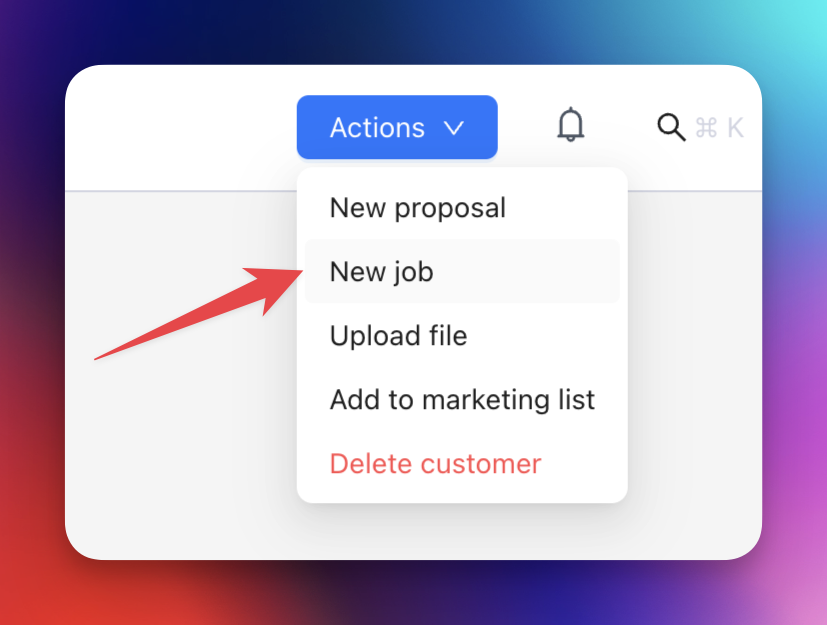
- Open the customer record and select New > Job at the top of the page.
- Check the job name and enter a description. Each job needs a unique name.
- Check the build address copied from the customer. To change it, start typing and select the correct suggestion.
- Choose the job manager and Stage. New jobs start in Draft; choose another stage if needed.
- Select Save.
- Open the customer’s Jobs tab or the main Jobs page to find the saved job.
Job name, address, and stage
The suggested name uses the customer’s name and suburb. Change it when needed. Use the build address for the work location when it differs from the customer’s address.
The selected stage determines where the job appears on the Jobs board.